This help article applies to users on Fresh Projects Version 1.
Which version of Fresh Projects am I using?
If you are on Fresh Projects Version 2 please use this article : Adding the Calendar Feed to Google Calendar or Android
1. Go to https://www.google.com/calendar and sign in.
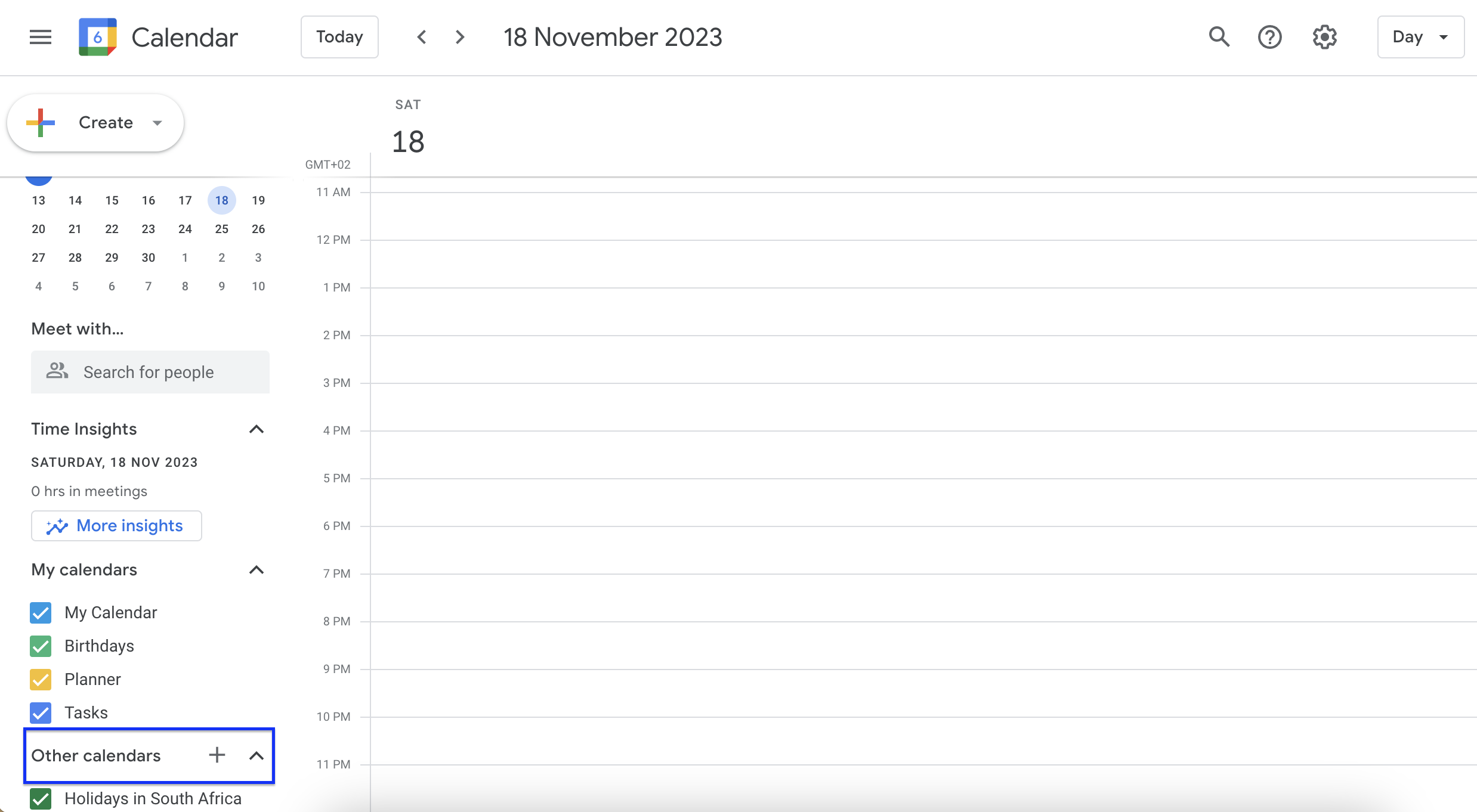
2. Find "Other Calendars" located on the left of the screen, about half way down.
3. Press on the little down arrow just beside it on the right.
4. Choose Add "From URL"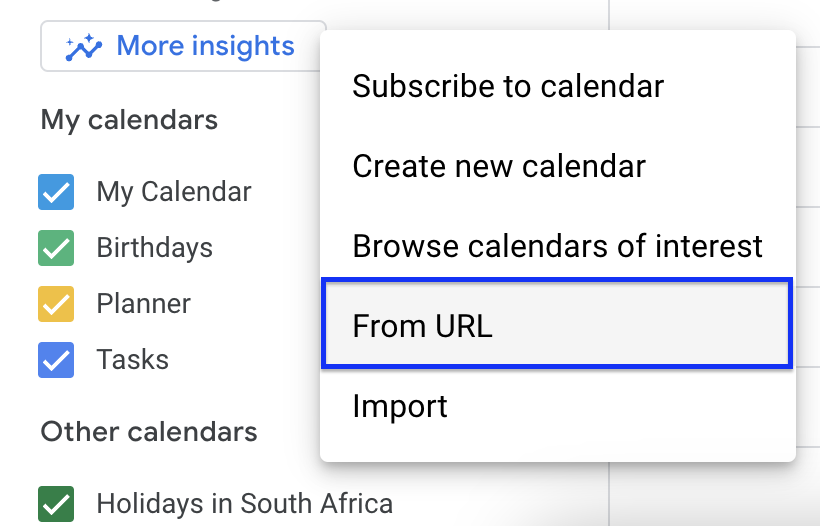
5. To find the Fresh Project Calendar Feed URL. Navigate to Insights > Leave Calendar
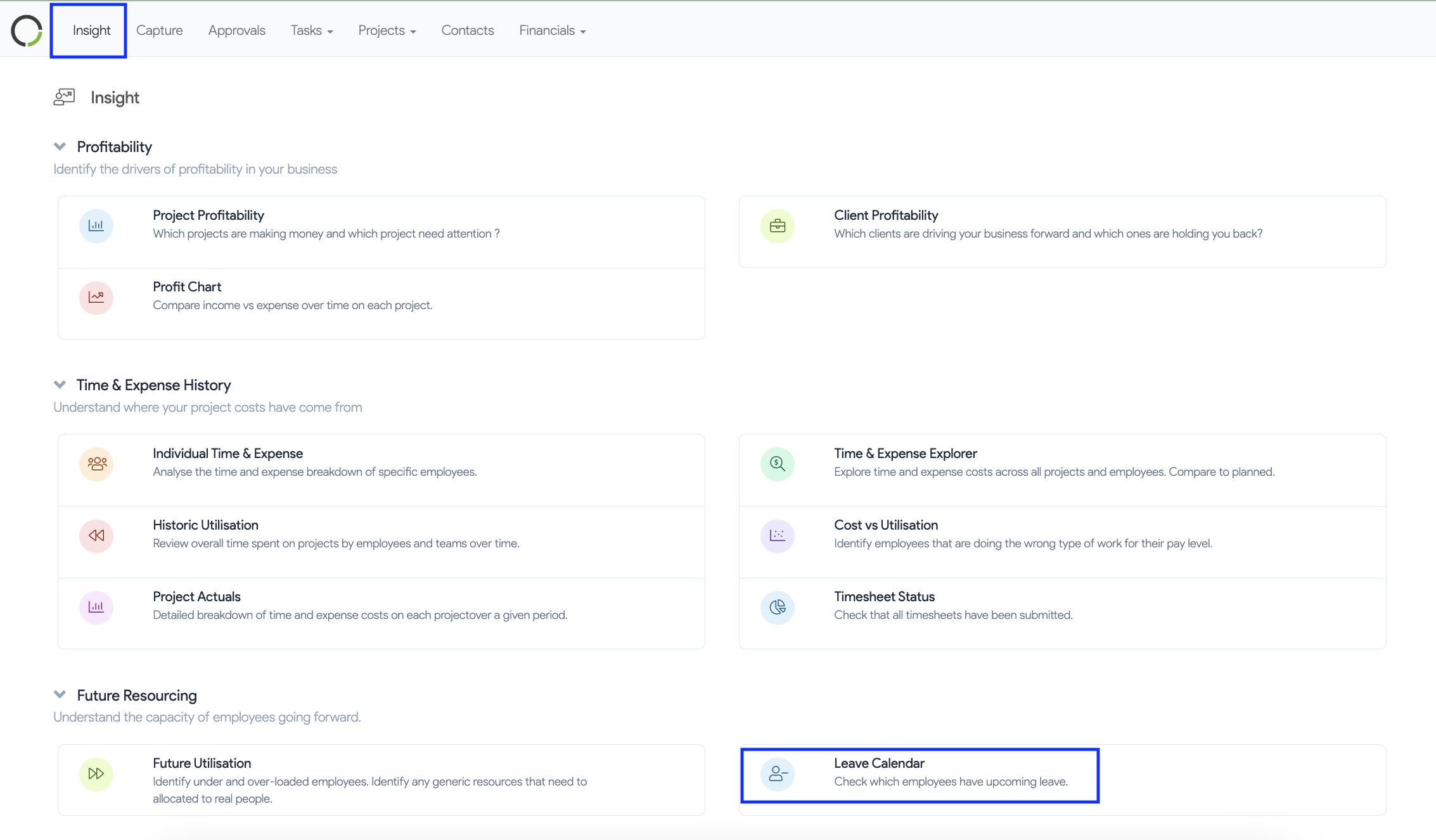
6. Click on the three dots
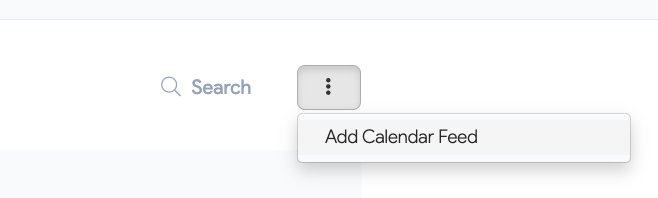
7. Copy and paste your unique Fresh Project Calendar Feed URL
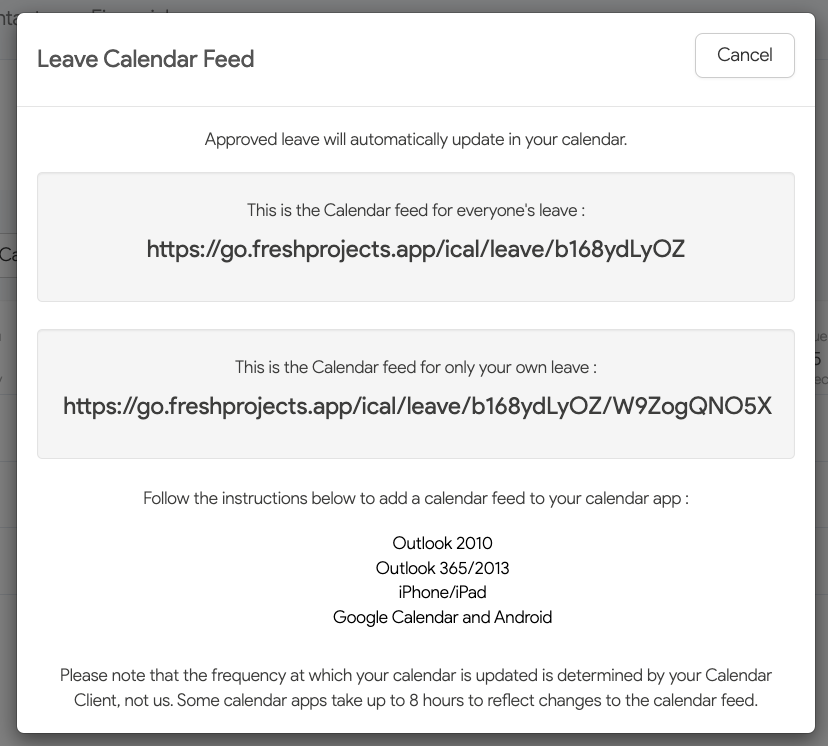
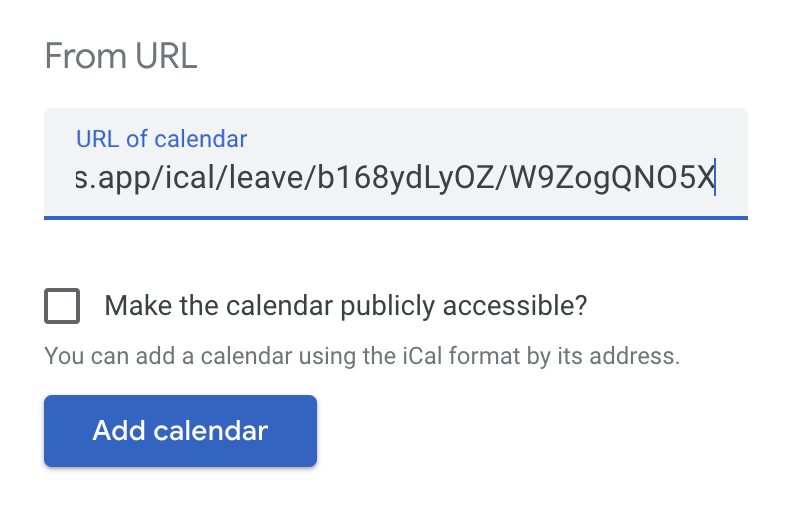
8.In the popup window, enter the Fresh Projects Calendar Feed URL as shown below then Add Calendar