
This knowledge base is split between articles for users on Fresh Projects V1 and Fresh Projects V2. To confirm which version of Fresh Projects you are using please review these steps.
Which version of Fresh Projects am I using?
You can check which version you’re on by looking at the URL in your browser.
Version 1:
If your URL includes /k/ (for example, https://live.freshprojects.app/k/), you’re using Version 1.
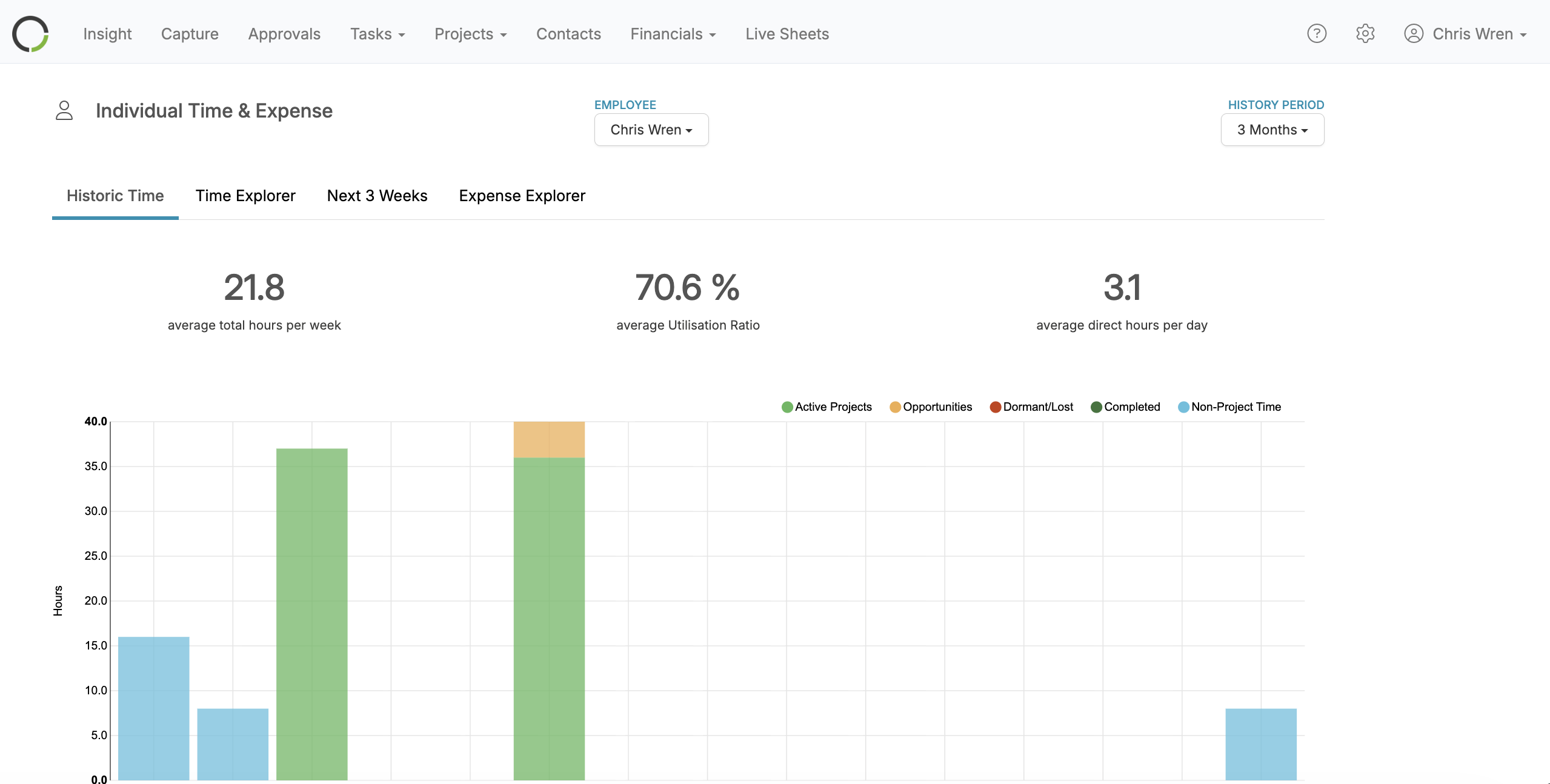
To confirm that you are on Version 1 your home page view would be as follows, with menu bars located at the top of the page.
Version 2:
- If your URL includes /v2/ (for example, https://live.freshprojects.app/v2/), you’re using Version 2
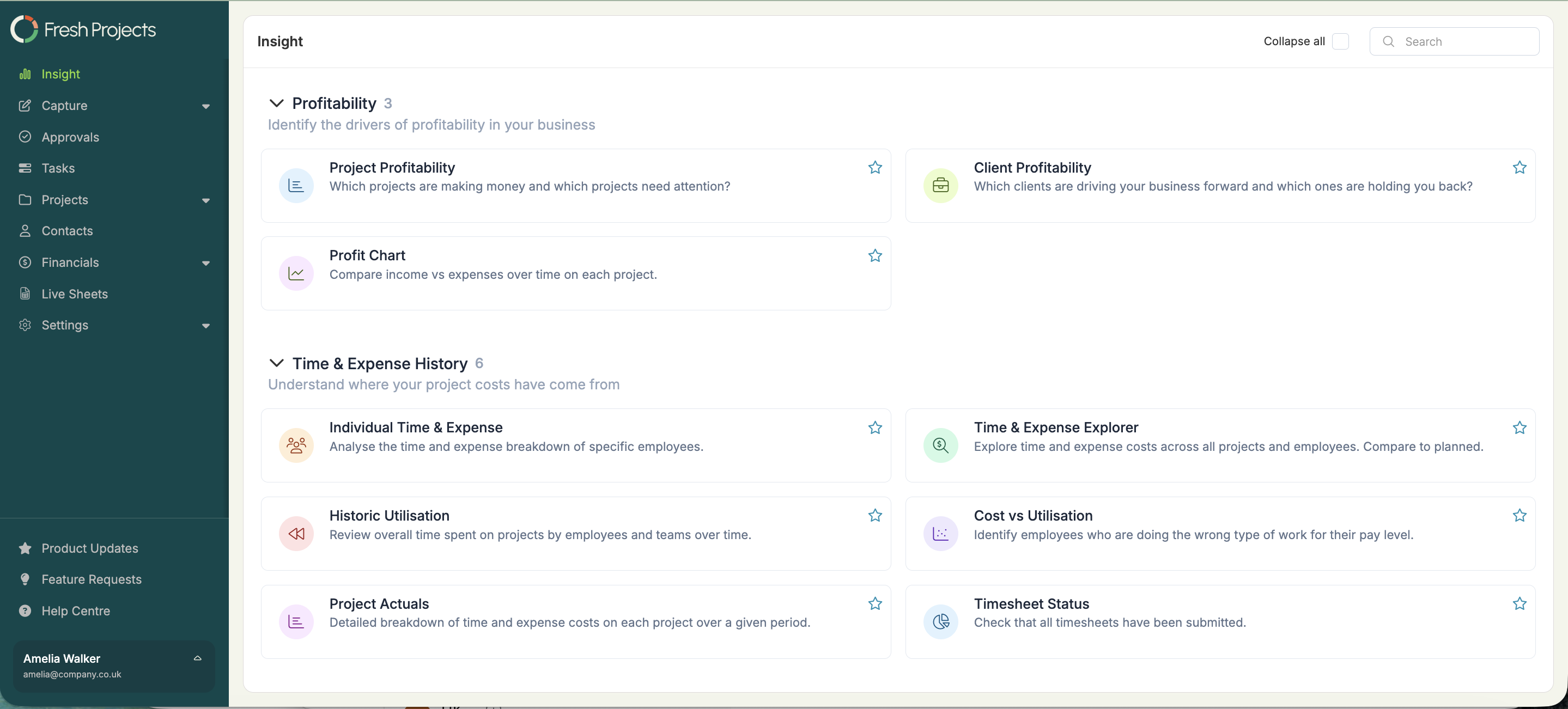
- To confirm that you are on Version 2 your home page view would be as follows, with menu bars located at the left of the page.
We hope this article was helpful. If you have any questions, please do not hesitate to reach out to us. Our support team is always happy to help!