This help article applies to users on Fresh Projects Version 1.
Which version of Fresh Projects am I using?
If you are on Fresh Projects Version 2 please use this article : Adding the Calendar Feed to your IPhone or IPad
1. Launch the Settings app on your iPhone or iPad.
2. Tap on Calendar > Accounts > Add Account
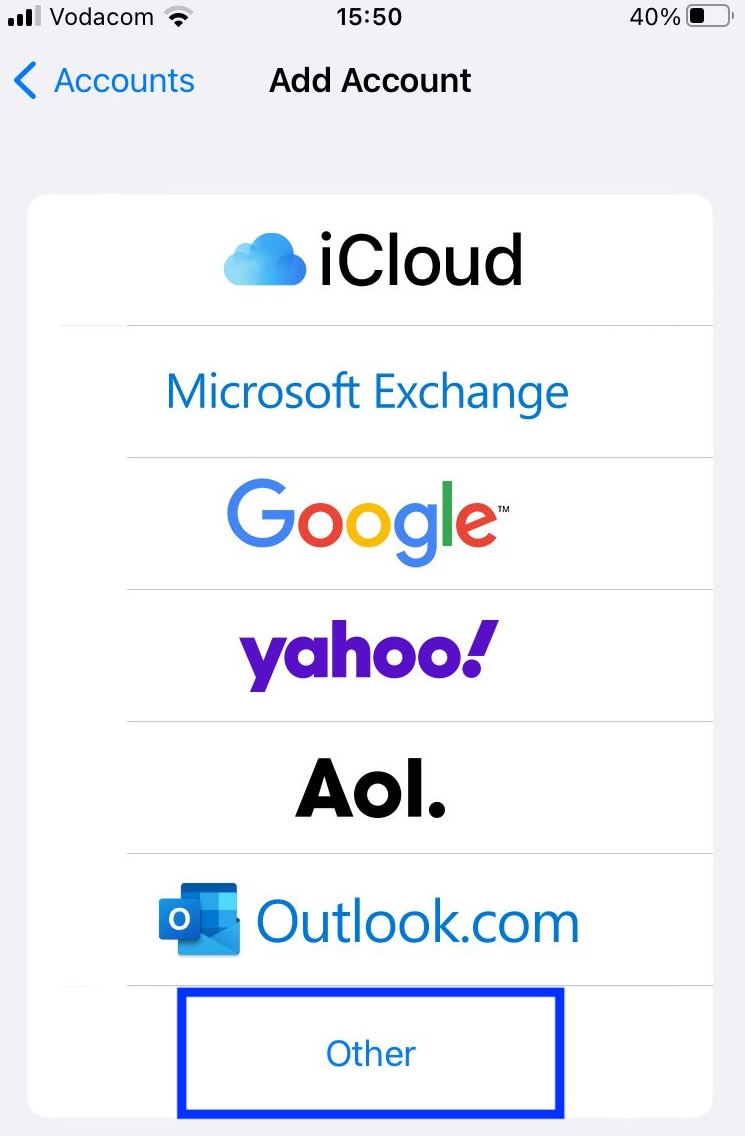
3. Select Other
4. Tap on Add Subscribed Calendar under the Other section.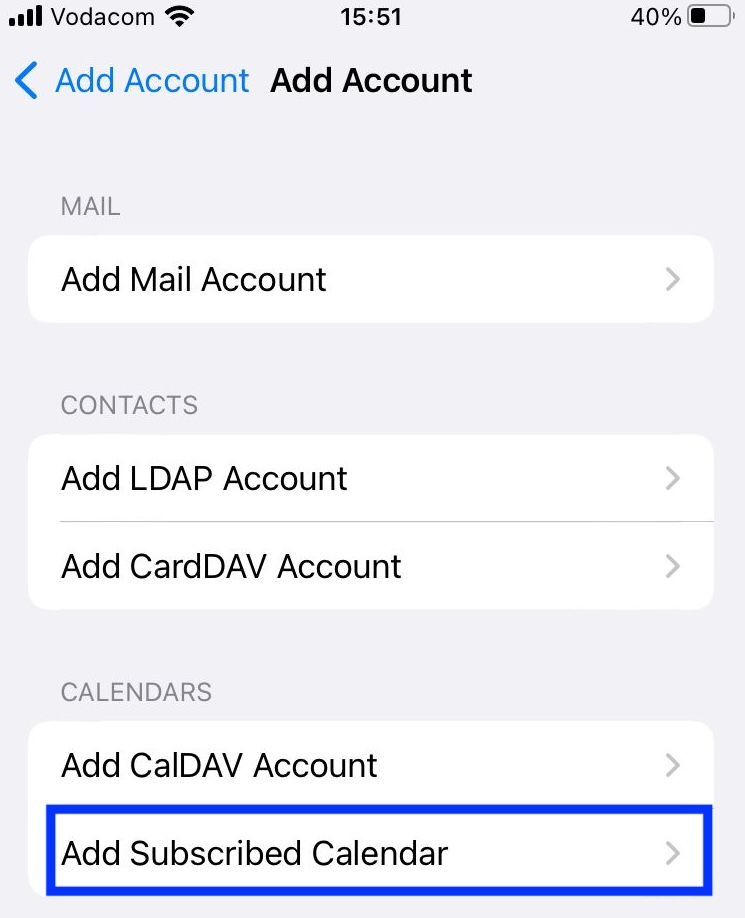
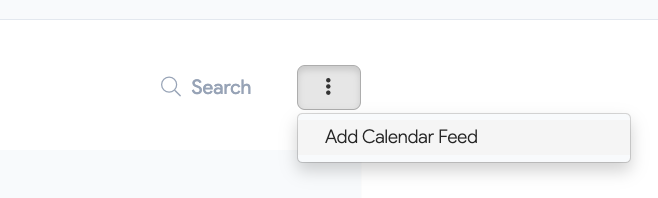
5. To find the Fresh Project Calendar Feed URL. Navigate to Insights > Leave Calendar 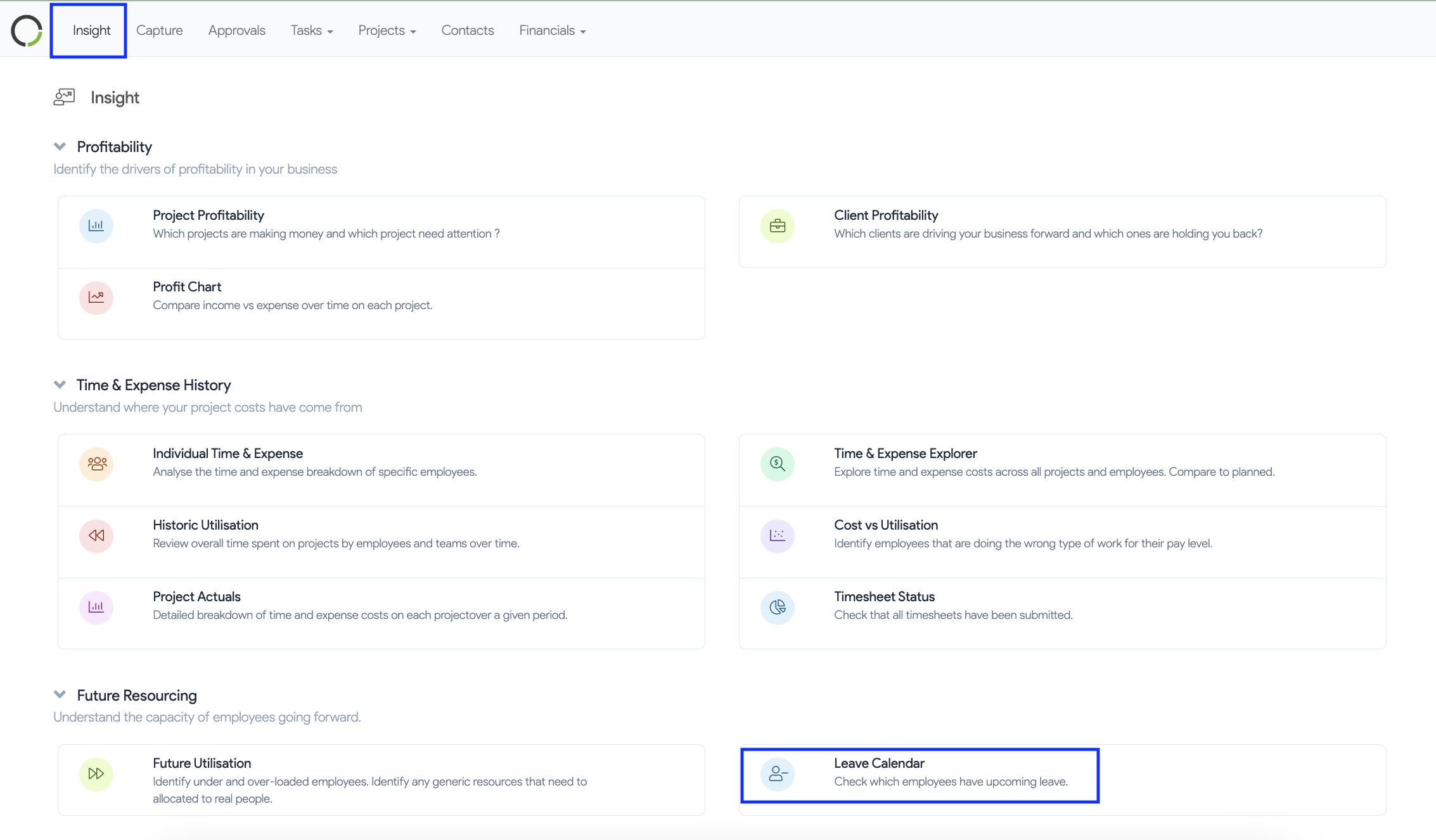 6. Click on the three dots
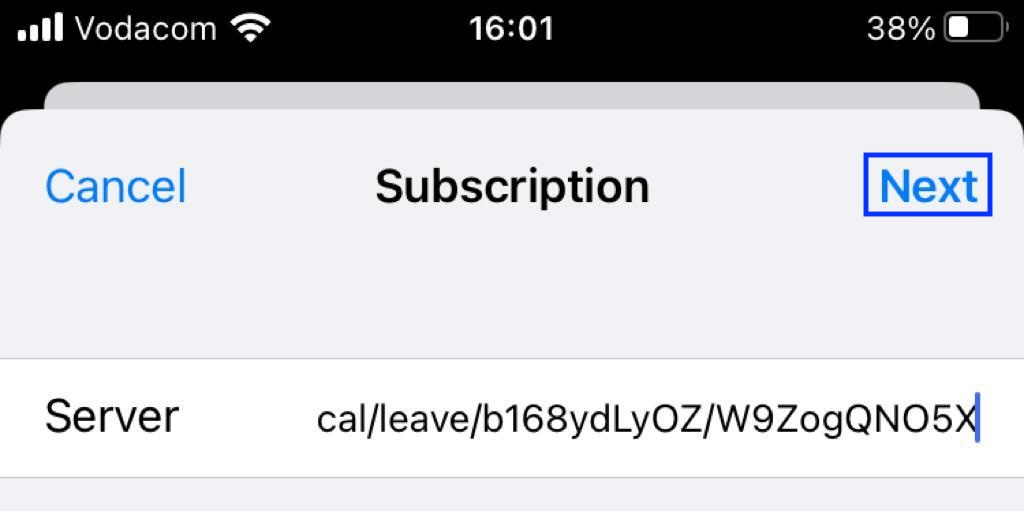
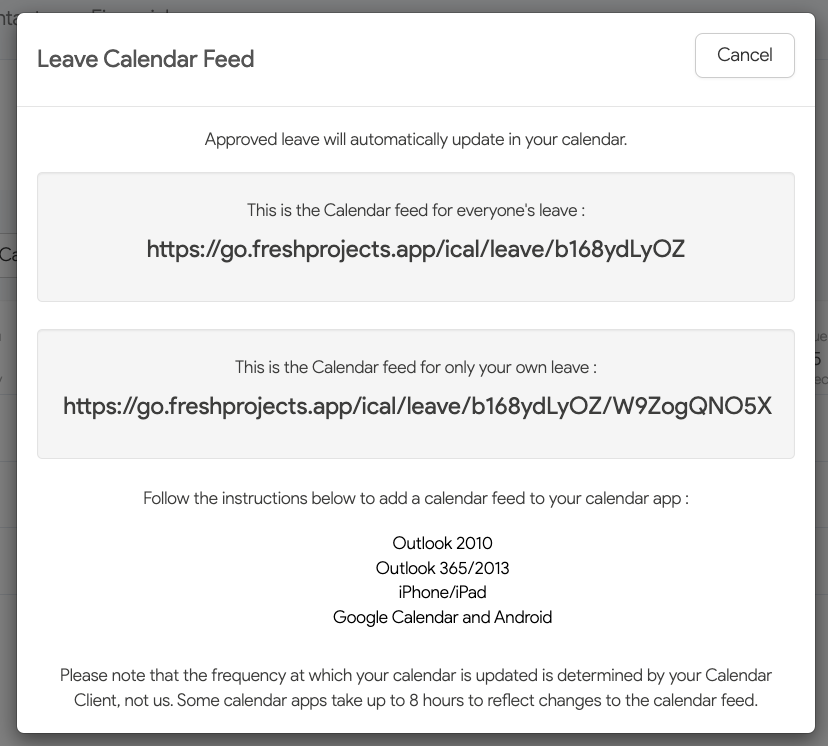
7. Copy and paste your unique Fresh Project Calendar Feed URL
8. Tap Next > Save