
Manage new business via the CRM Pipeline Tool. Track leads and opportunities from a prospect to an active project.
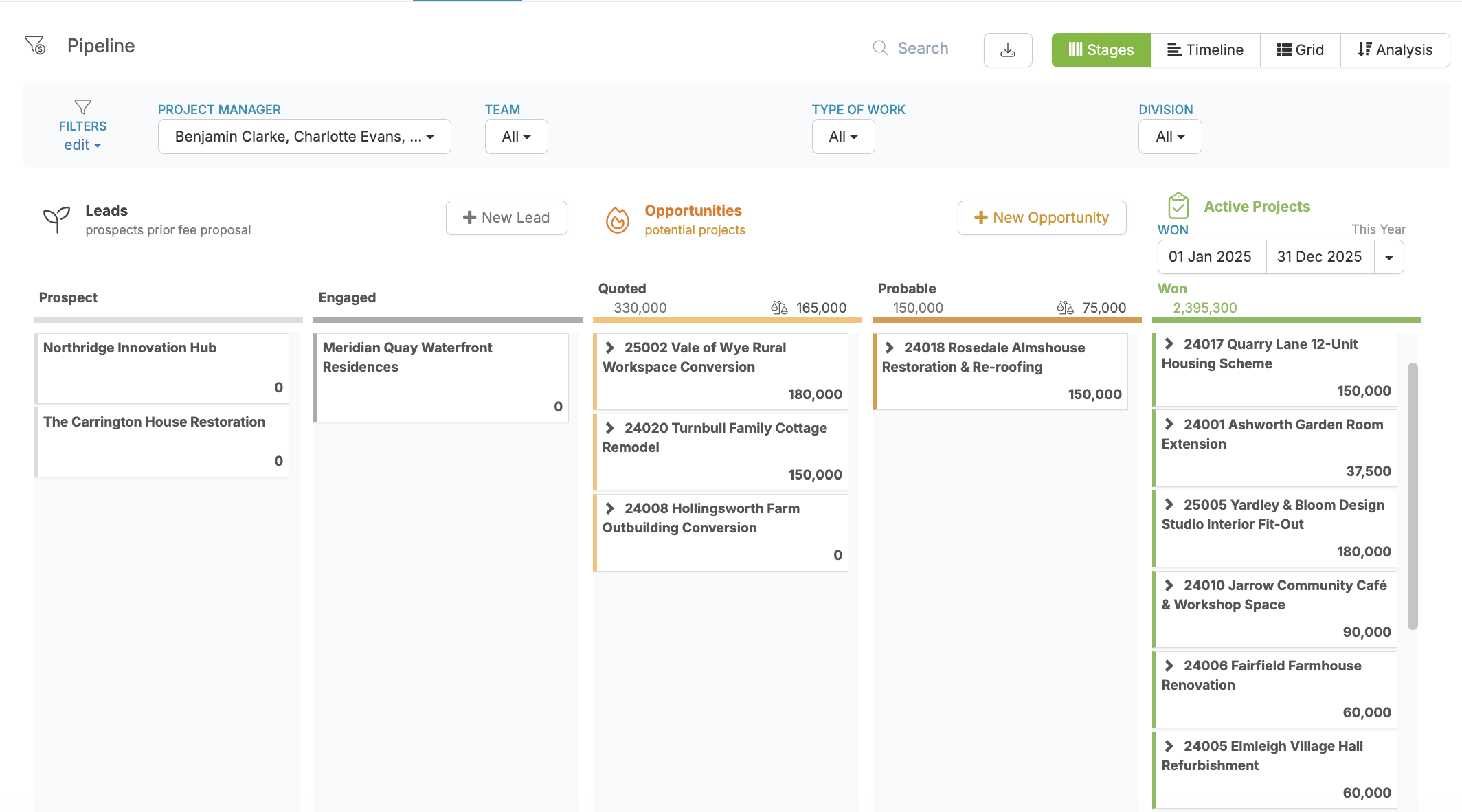
To turn on the pipeline and customise your view:
1. Navigate to Settings > Company Settings > Pipeline and enable the pipeline:

2. Customise your owner / salesperson terminology and set your probability weighting options: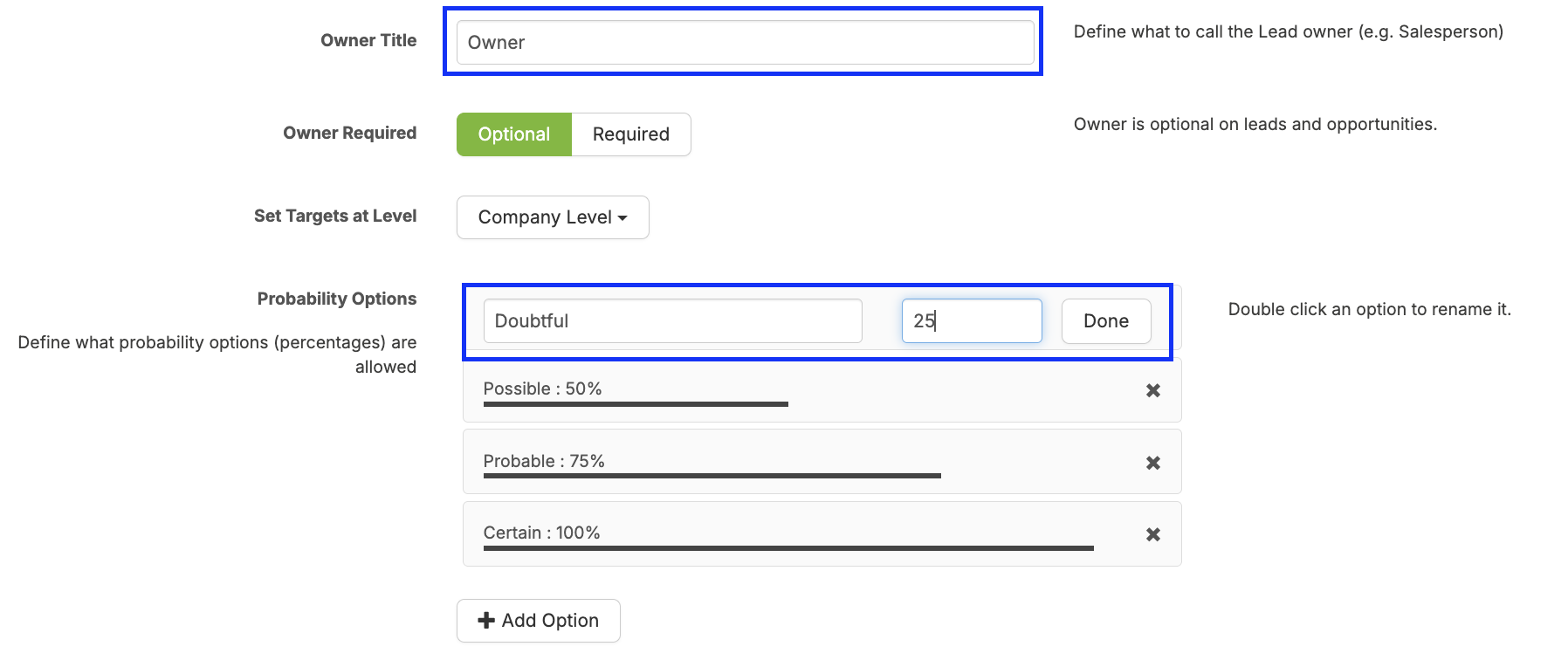
3, Customise your Lead and Opportunity Stages, probability settings and Loss Reasons:
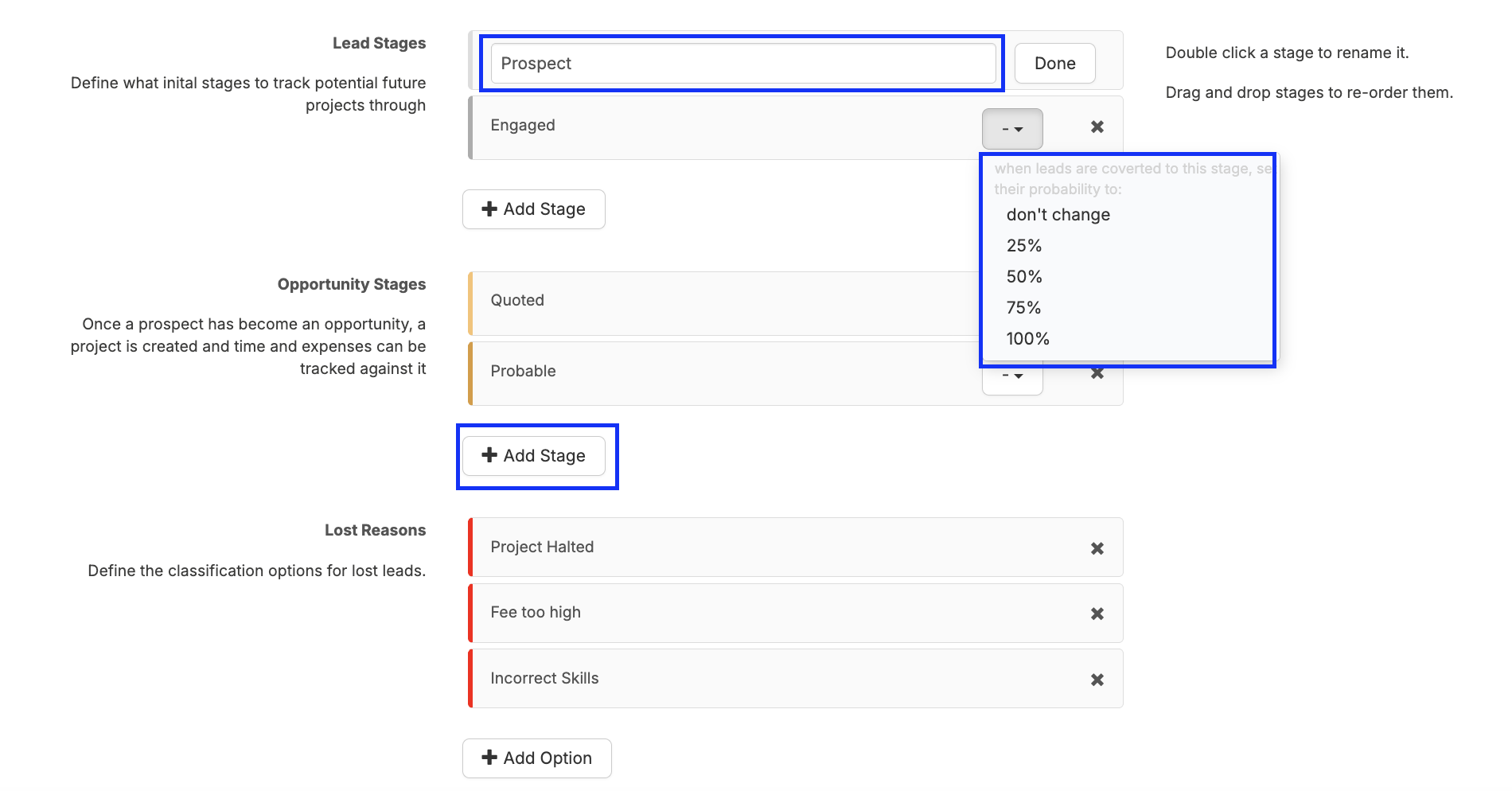
Using the Pipeline
1. Add new leads to the pipeline by choosing + New Lead:
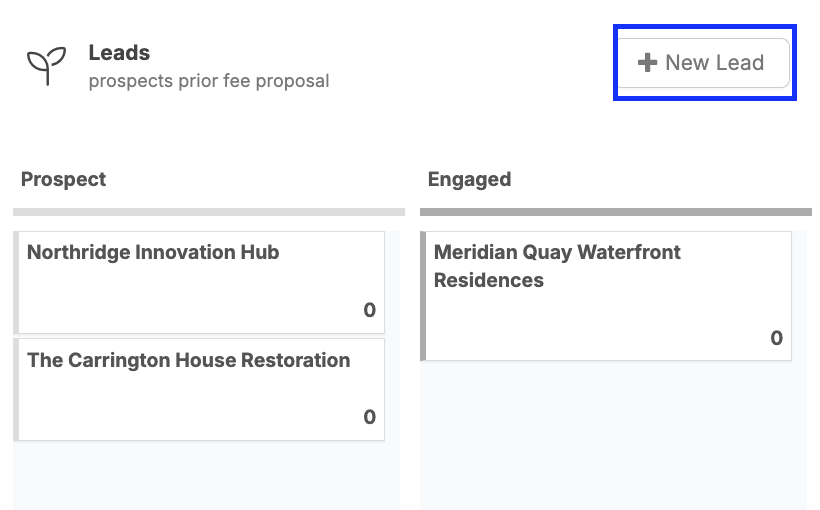
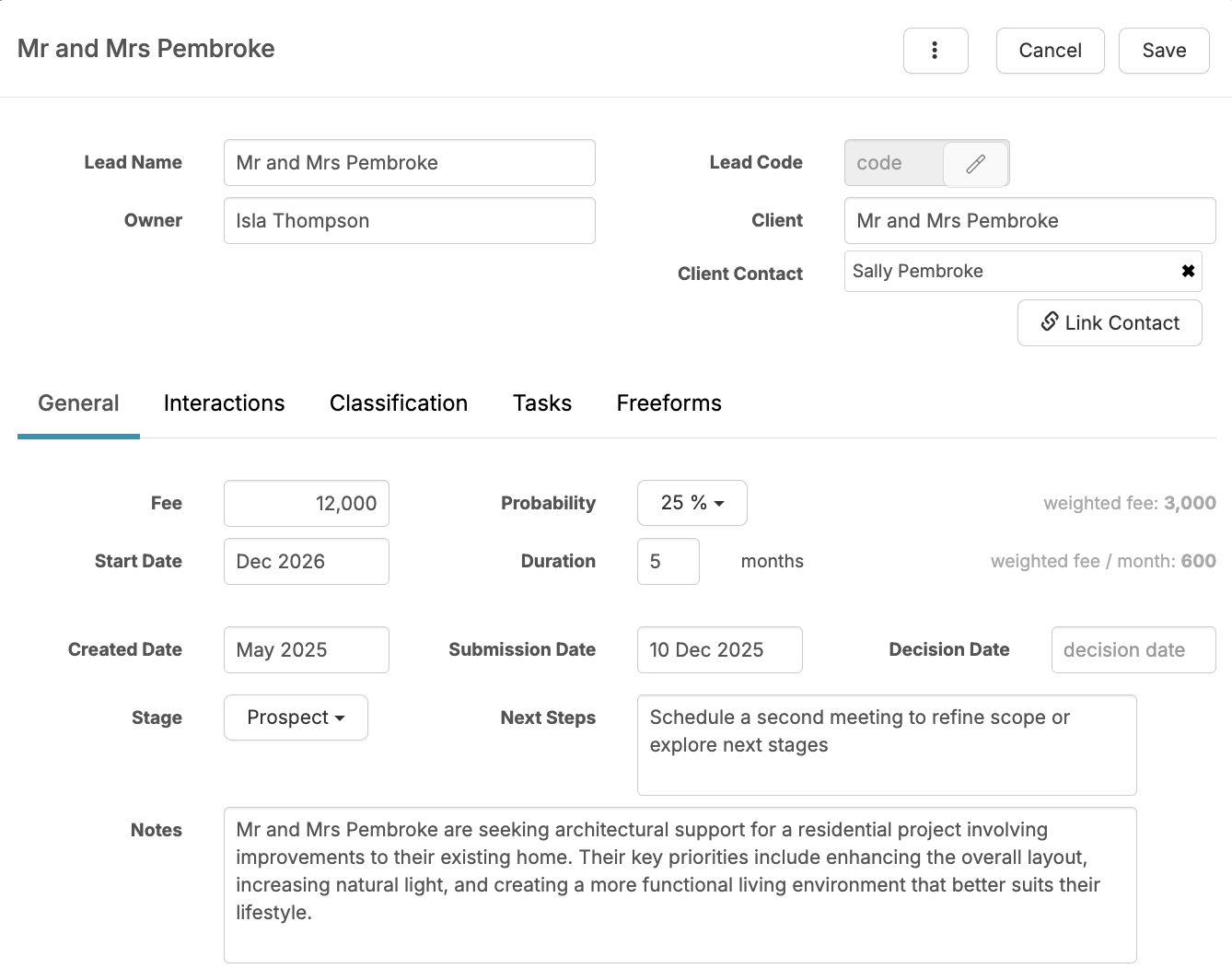
2. Include general project information and client information and save.
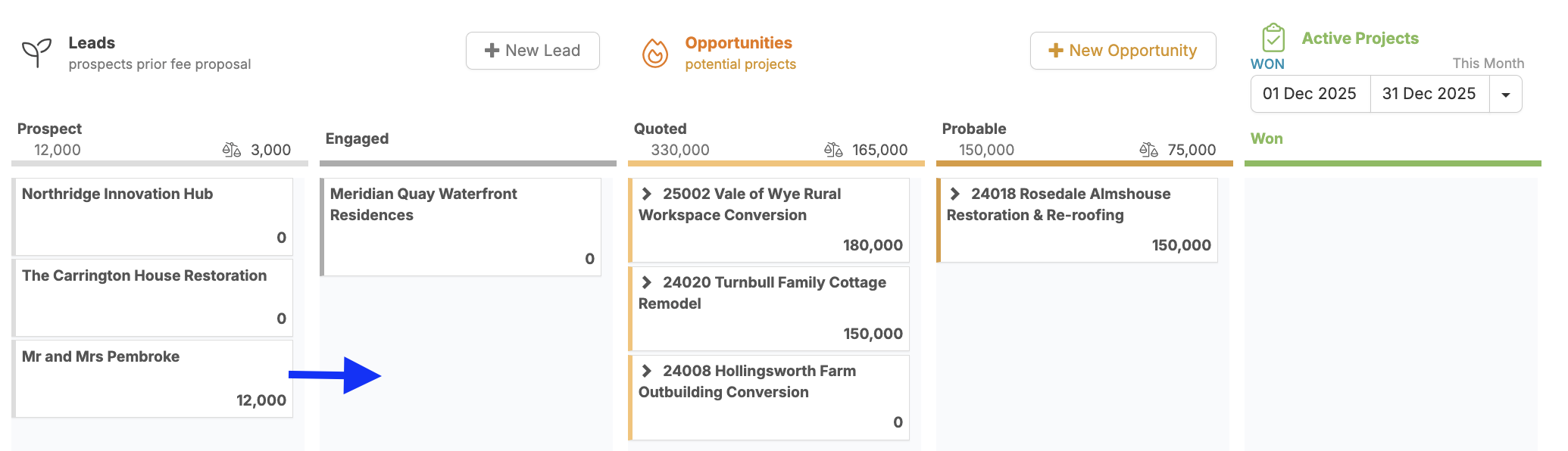
3. This Lead is now on your pipeline and can be moved from left to right as it goes through the sales and quoting process:
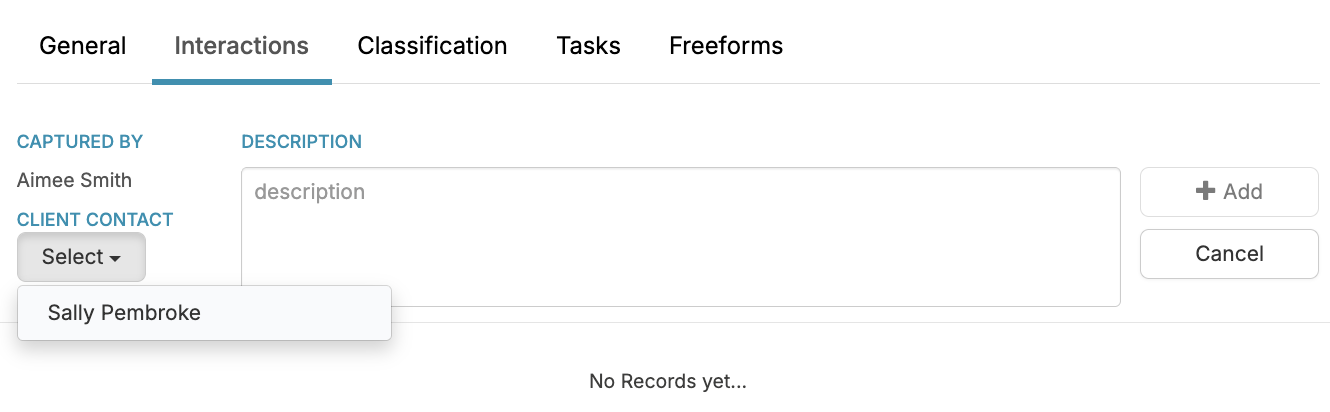
4. Log further discussion and interaction with the client to keep a record:
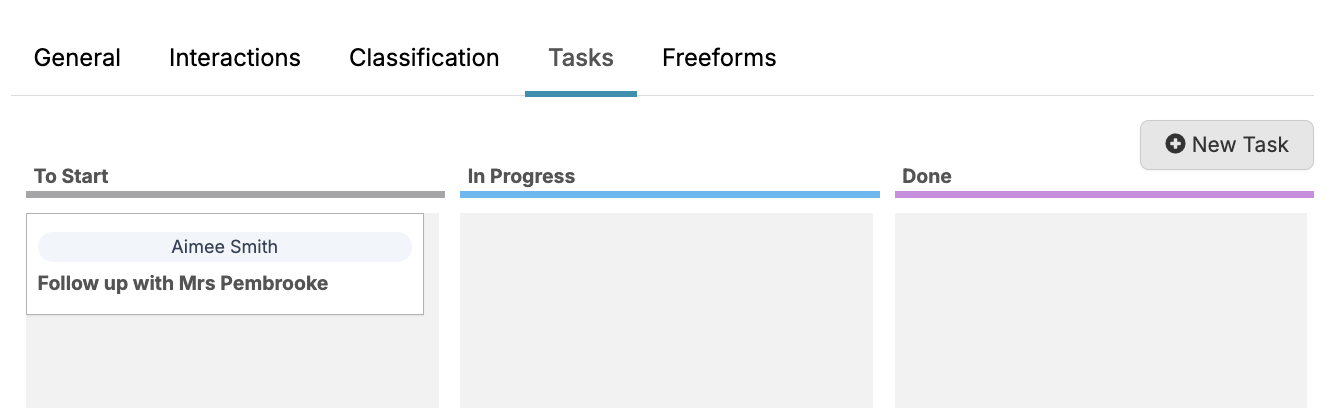
5. Set yourself or your team follow up tasks:
Report on your leads and opportunities:
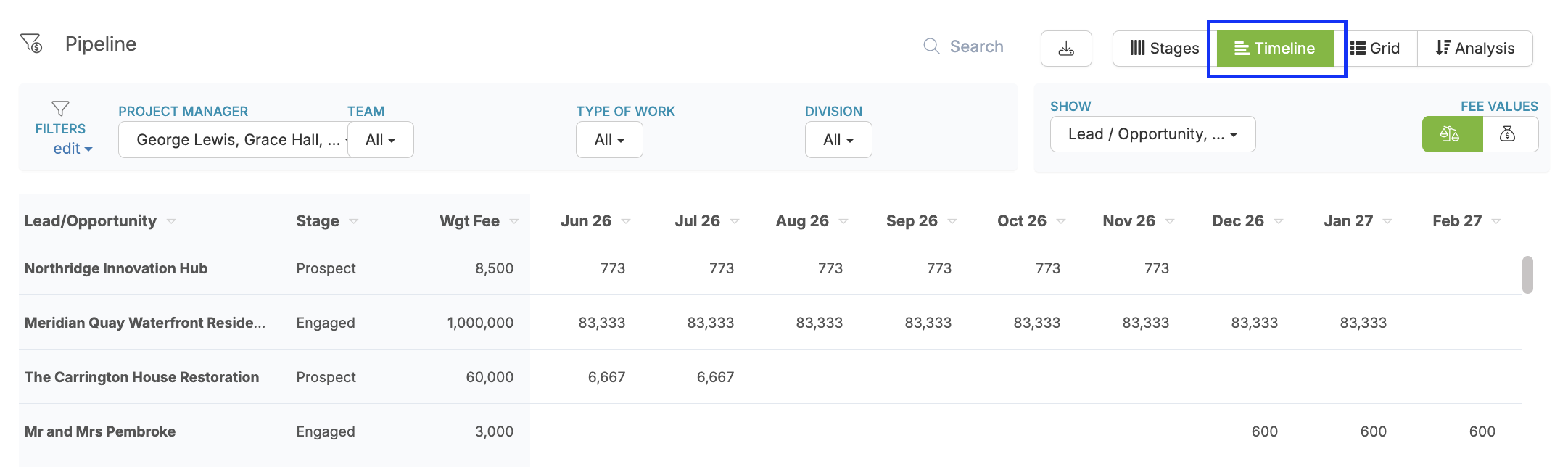
1. View potential fees and durations of projects within the timeline:
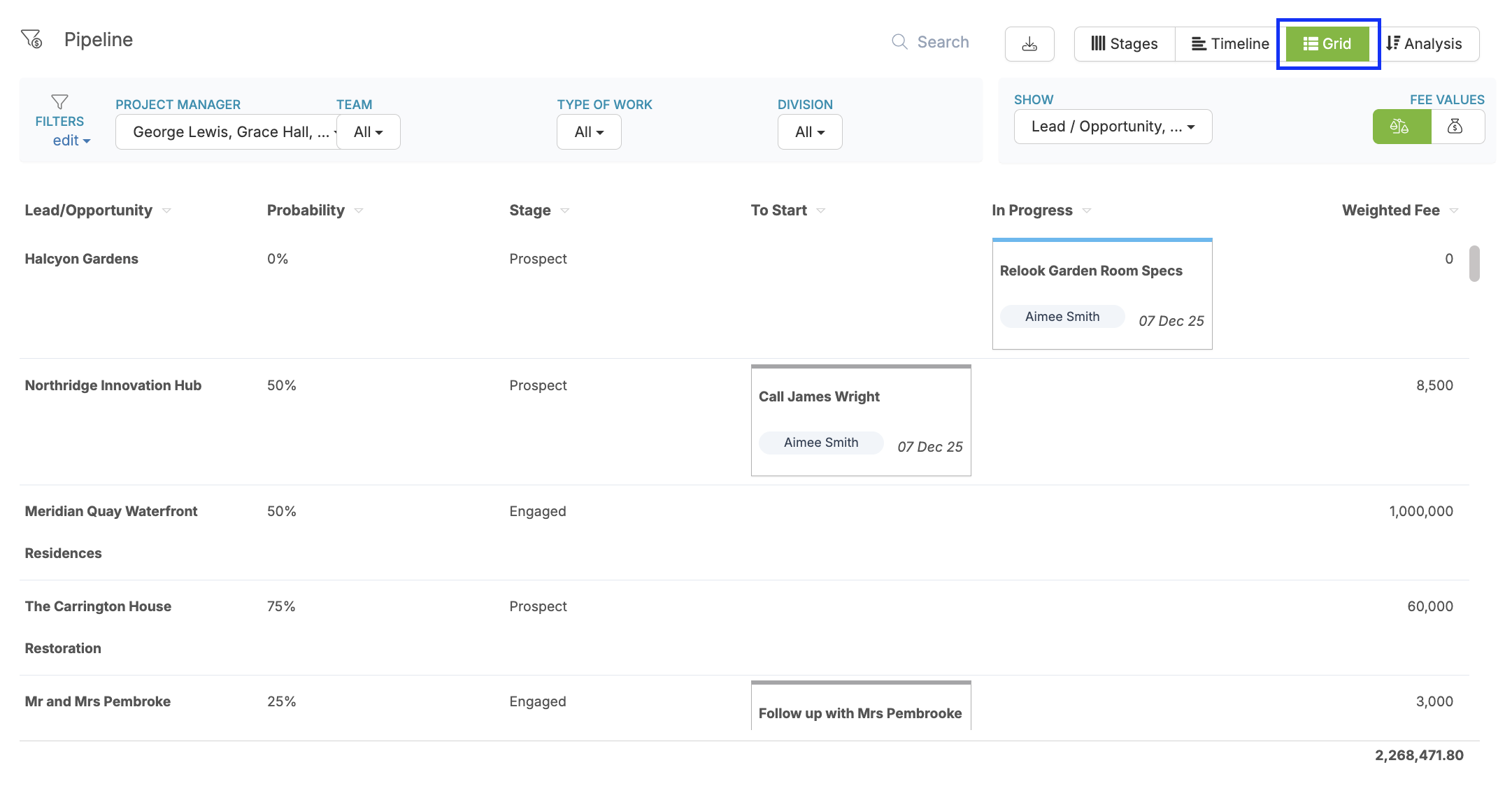
2. See and overview of all Leads and follow up tasks from the Grid View:
We hope this article was helpful. If you have any questions, please do not hesitate to reach out to us. Our support team is always happy to help!